
WEBREWIND FOR MAC
Keep reading. Right in Safari on Mac.
Find an archived version of the article you’re on, without copying the link or switching tools.
Download for Mac ↗Try WebRewind for free. Paid access is available in the app.
READY WHEN YOU ARE
Set it up once.
Keep it close.
- 01
Install.
Download WebRewind from the Mac App Store and open the app.
- 02
Enable.
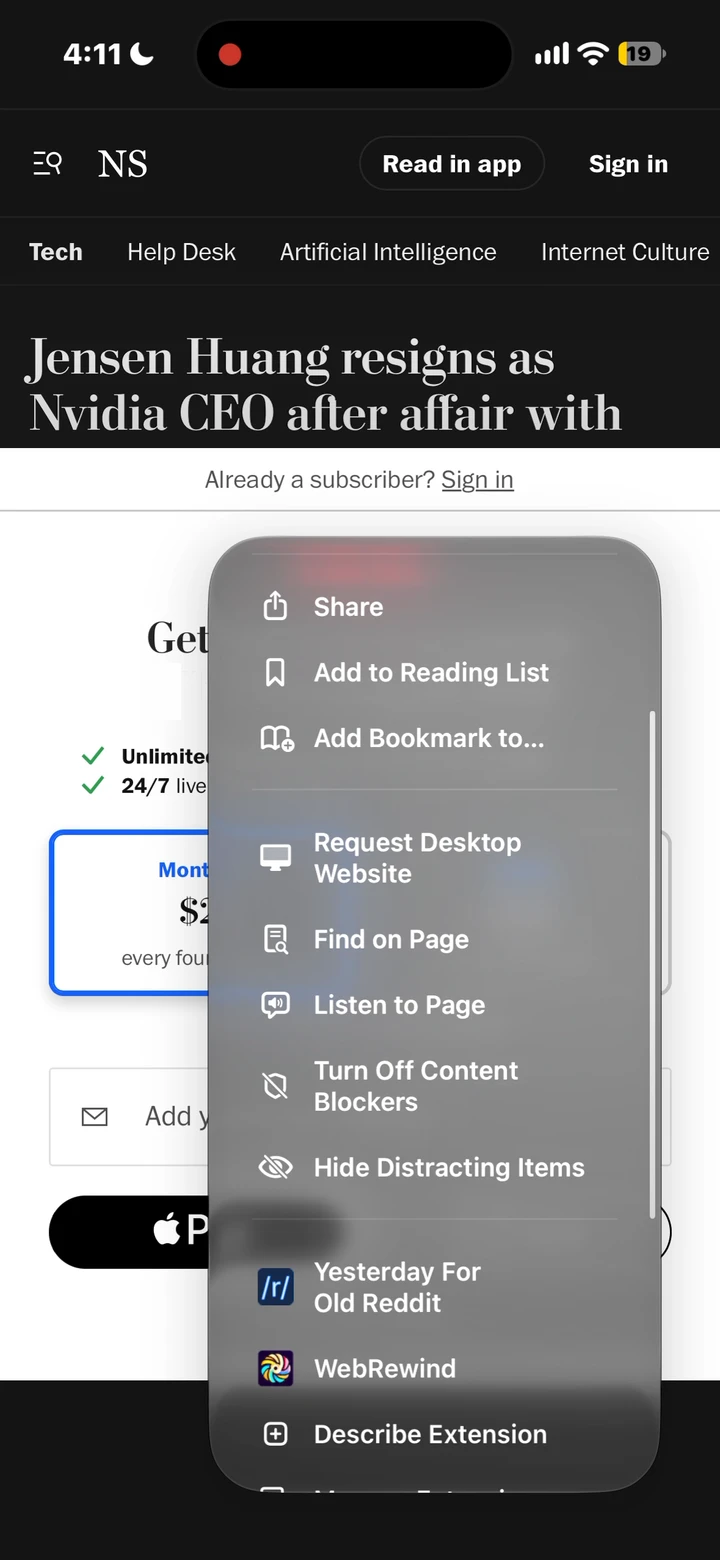
In Safari → Settings → Extensions, enable WebRewind and review website access.
- 03
Rewind.
Open an article and click WebRewind in the Safari toolbar.
KNOW BEFORE YOU GO
A simpler route
to archived articles.
WebRewind searches for archived versions on independent archive services. It doesn’t provide a publisher subscription, and it can’t retrieve a page that the archive hasn’t saved.
Some archive services may ask you to complete a CAPTCHA. Availability, loading time, and article completeness vary.
Understand permissions · Purchase questions · Missing archives
Open the setup guide ↗